accessibility_new
1. Commitment to Accessibility
At Fisco-Bot Guate we firmly believe in digital inclusion for all taxpayers. We continuously strive to ensure that our application is accessible to people with any type of functional diversity, rigorously complying with the Web Content Accessibility Guidelines (WCAG) 2.1 at Level AA conformance.
universal_design
2. Adaptive Features
Our Flutter and web interface incorporates the following native adaptations:
- Premium Color Contrast: All normal text elements meet a minimum contrast ratio of 4.5:1 (and 3:1 for large text and icons), facilitating readability for people with low vision or color blindness.
- Screen Reader Compatibility: All buttons, text fields, and interactive elements are semantically labeled using the native accessibility APIs of iOS (VoiceOver) and Android (TalkBack).
- Keyboard and Gesture Navigation: Allows operating the interface without a touchscreen or mouse, through logical tabbing and simplified interfaces.
- Dynamic Font Size: We respect the user's operating system font size settings, allowing text to be enlarged on screen without distorting the application layout.
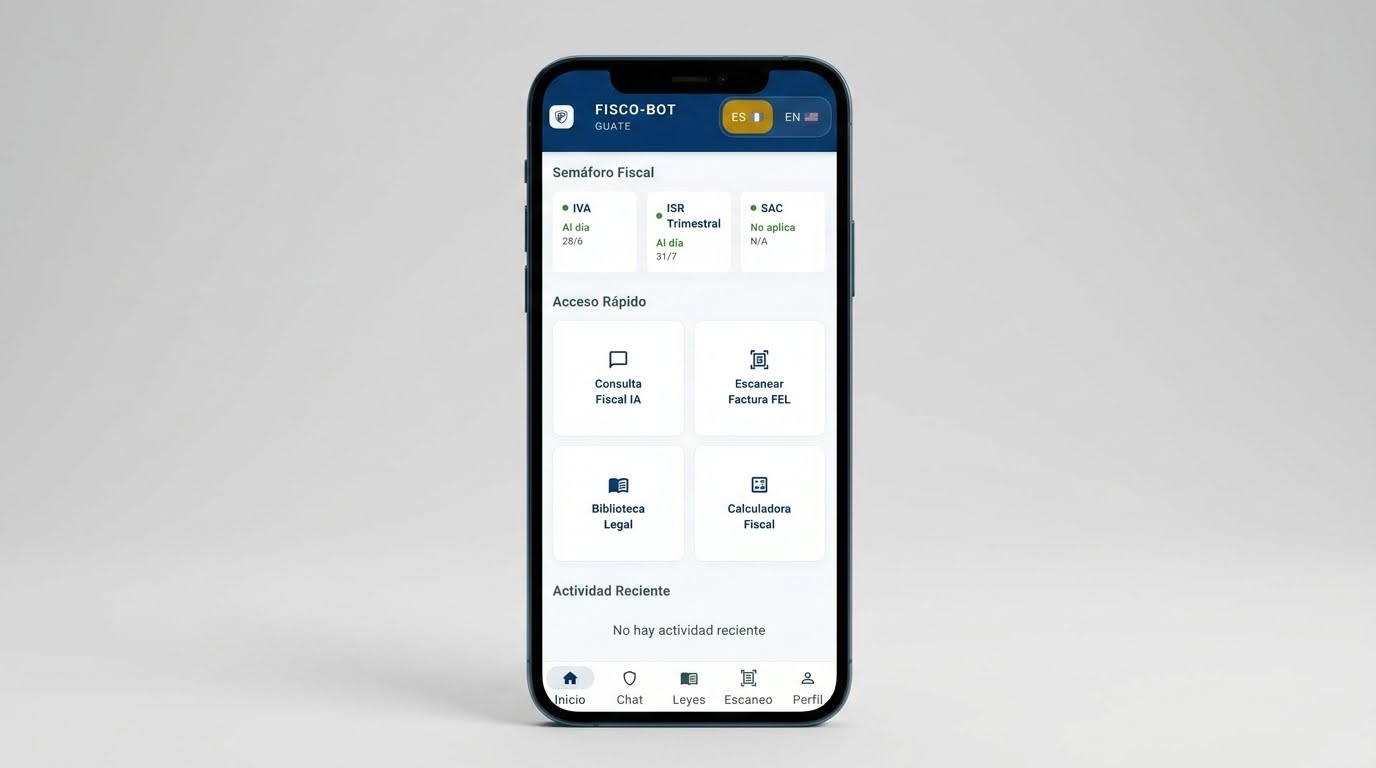
"Inclusion and technology at the service of all Guatemalan taxpayers."
toggle_on
3. Activating Accessibility Features
To enable advanced visual accessibility settings within the co-pilot:
- Navigate to the Profile menu from the navigation bar.
- Select the Accessibility option.
- From this panel you can configure:
- High Contrast: Drastically increases the visual differentiation of backgrounds and borders.
- Screen Reader: Optimizes voice descriptions for smooth navigation.
- Font Size: Choose between Normal, Large, or Extra Large.
Do you have a question or accessibility report?
If you experience any accessibility barrier or have suggestions for improvement, our technical support and inclusion team is ready to listen.